Webinar Figma Email Templates

Online events are won and lost on attendance rather than registration. These 14 designs cover invitations, confirmations, the reminders that actually get people to turn up, and the replay follow-up.

14 templates in this collection

Browse Webinar Figma Email Templates

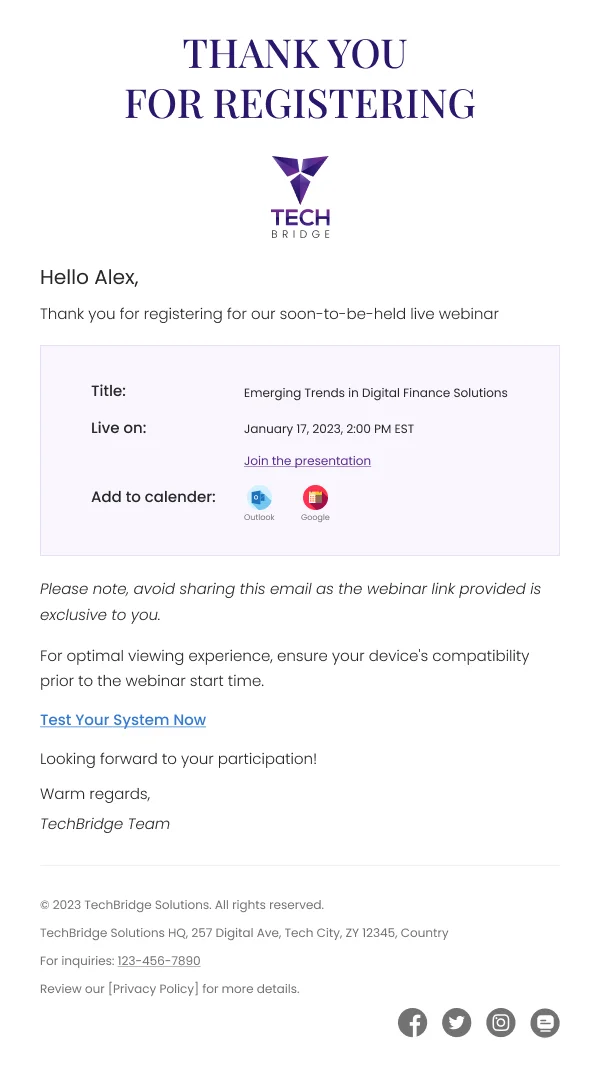
SaaS-Trends In Digital Finance — Webinar email design preview

Trends in Digital Finance SaaS Figma Email Template

The minimalist design of this registration confirmation template is perfect for professional webinars and corporate events. Direct links and clear information appeal to busy professionals.

  • Webinar
  • Software & Digital Services
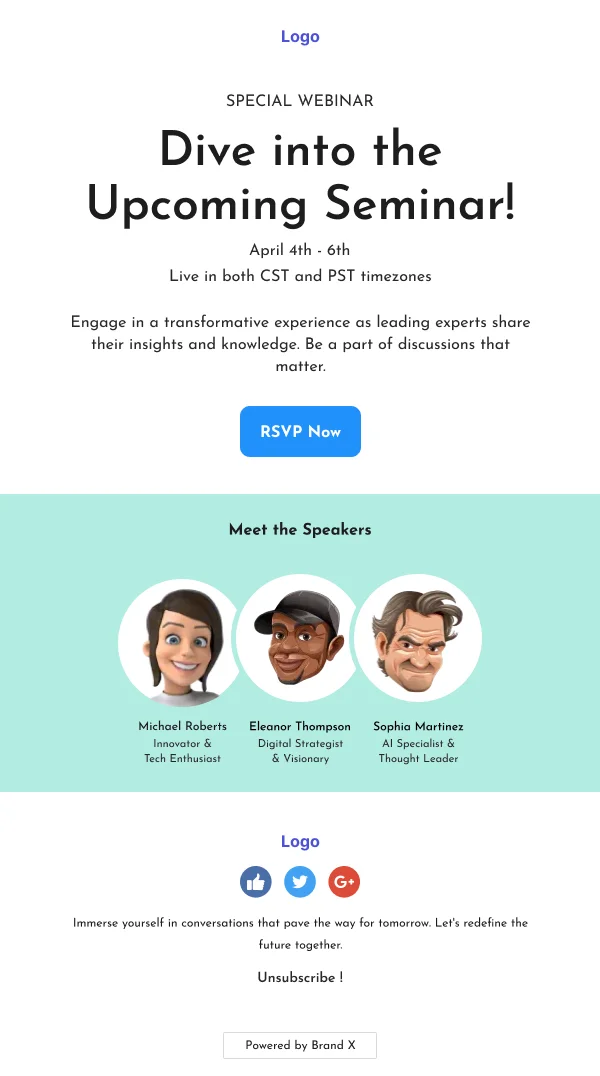
SaaS-Technology Insights Seminar — Webinar email design preview

Technology Insights Seminar SaaS Figma Email Template

This straightforward and professional template is ideal for corporate webinars. Its focus on speaker expertise appeals to knowledge seekers in the tech and digital sectors.

  • Webinar
  • Software & Digital Services
Path Projects Ultra Running Masterclass Promotion — Webinar email design preview

Path Projects Ultra Running Masterclass Figma Email

This email template promotes an ultra running masterclass with expert advice on training and mental toughness. The email also highlights running gear, making it ideal for active lifestyle brands.

  • Webinar
  • Ecommerce
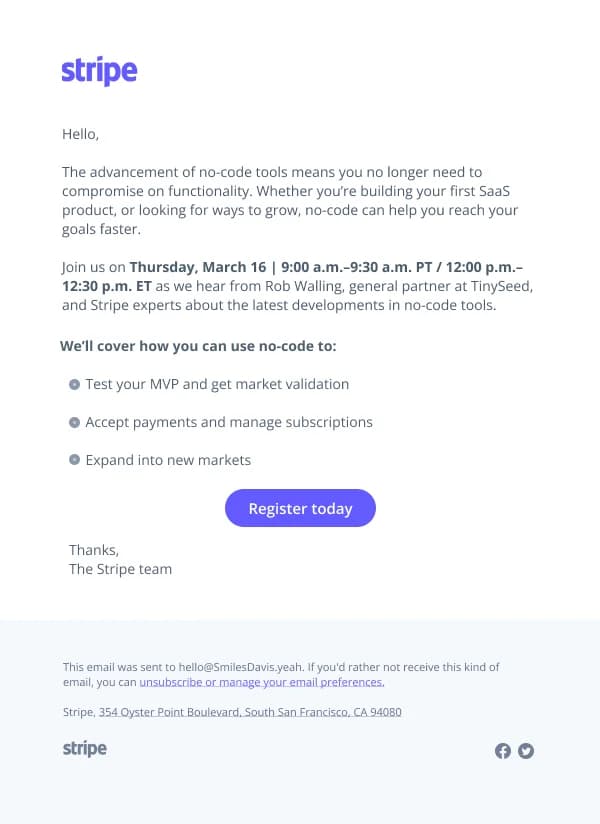
No-Code Tools Webinar — Webinar email design preview

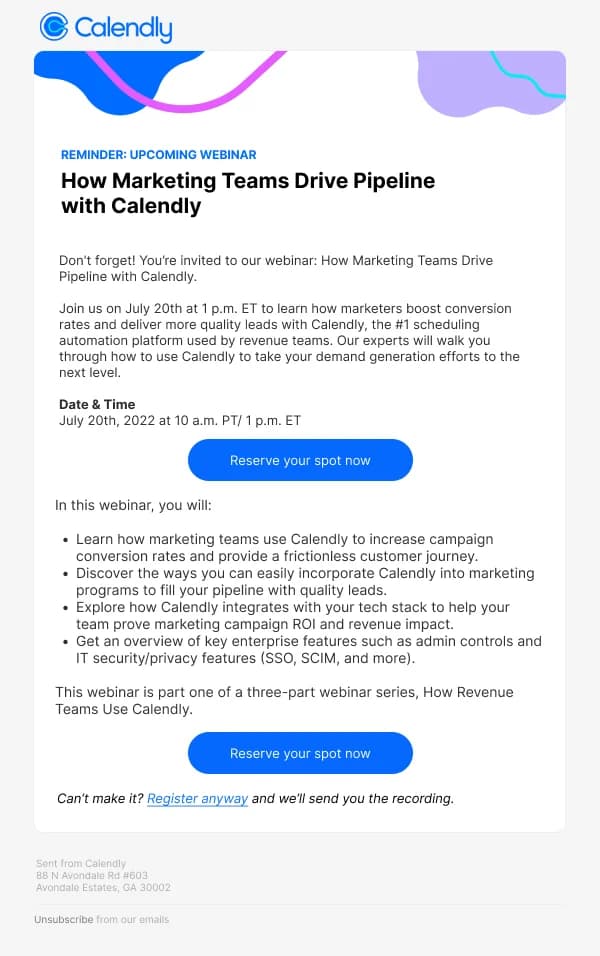
No-Code Tools Webinar Figma Email Template

Informative webinar email template focusing on the benefits and applications of no-code tools. Ideal for SaaS developers and startups.

  • Webinar
  • Software & Digital Services
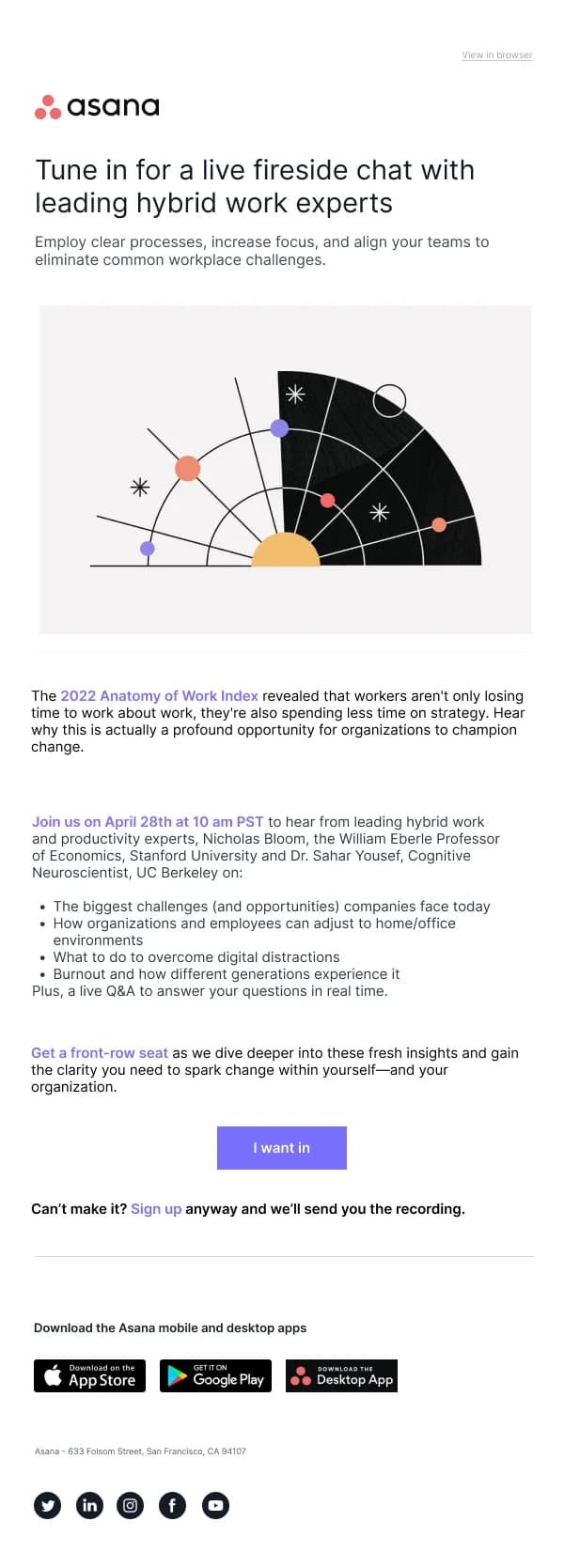
Learning Impact Webinar — Webinar email design preview

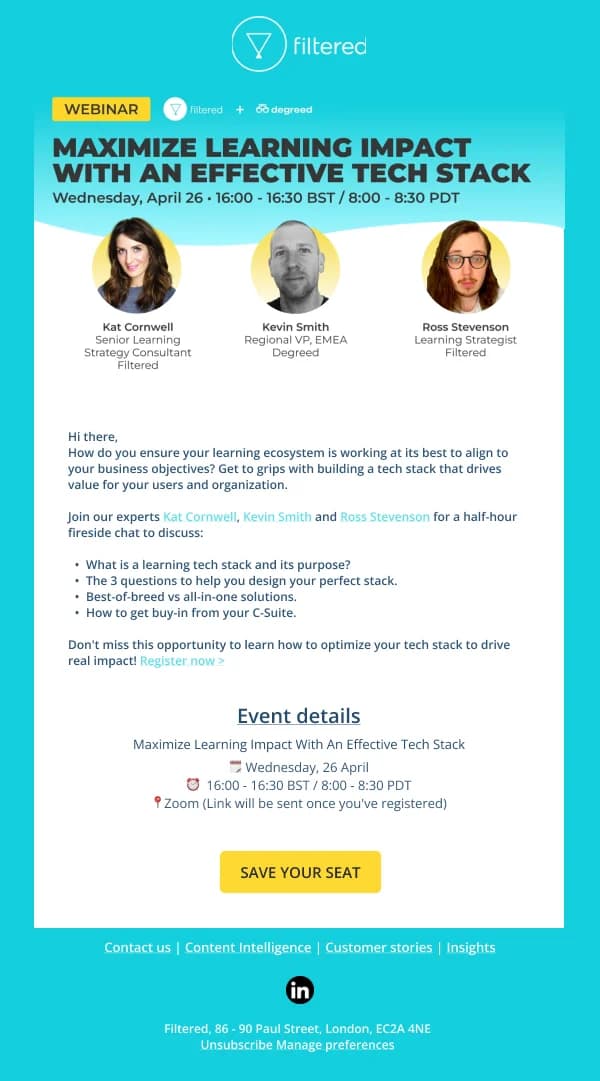
Learning Impact Webinar Figma Email Template

Engaging webinar email template focused on maximizing learning impact with an effective tech stack. Perfect for promoting educational events.

  • Webinar
  • Software & Digital Services
SaaS-Improve User Journey — Webinar email design preview

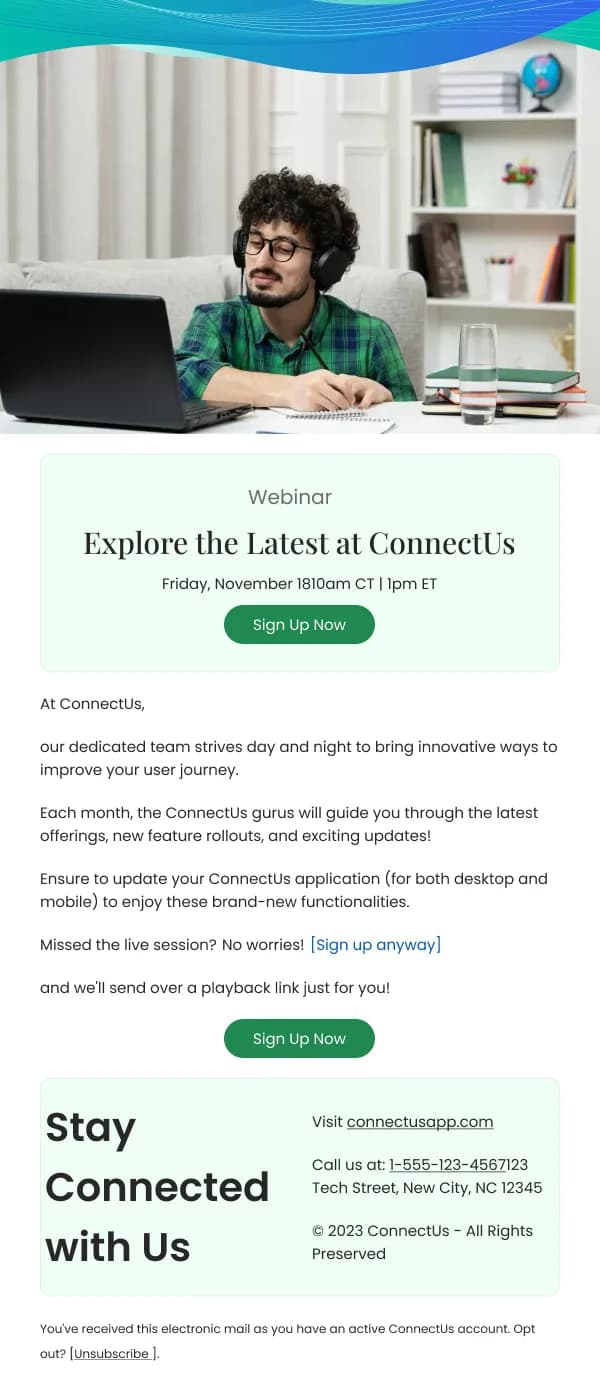
Improve User Journey SaaS Figma Email Template

This template with a clear call-to-action and personalized touch is ideal for tech companies looking to enhance engagement. Ease of registration for webinars promotes continuous learning and connection.

  • Webinar
  • Software & Digital Services
SaaS-Future Of Online Events — Webinar email design preview

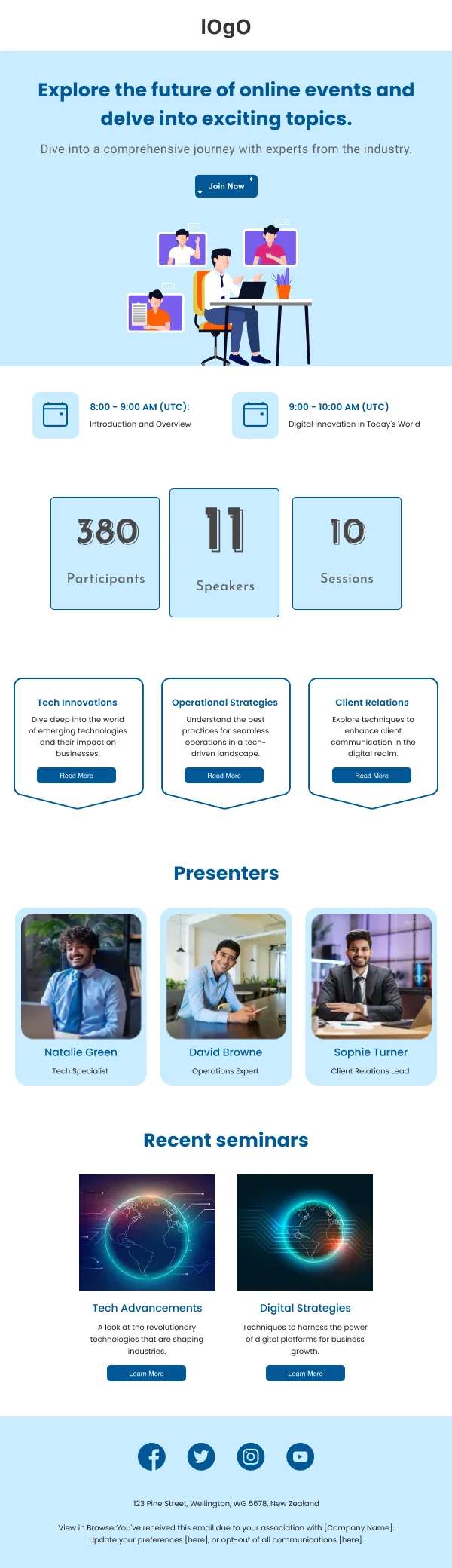
Future of Online Events SaaS Figma Email Template

This template's vibrant colors and organized layout are ideal for tech events. Attract a digitally-savvy audience with a clear schedule and speaker highlights.

  • Webinar
  • Software & Digital Services
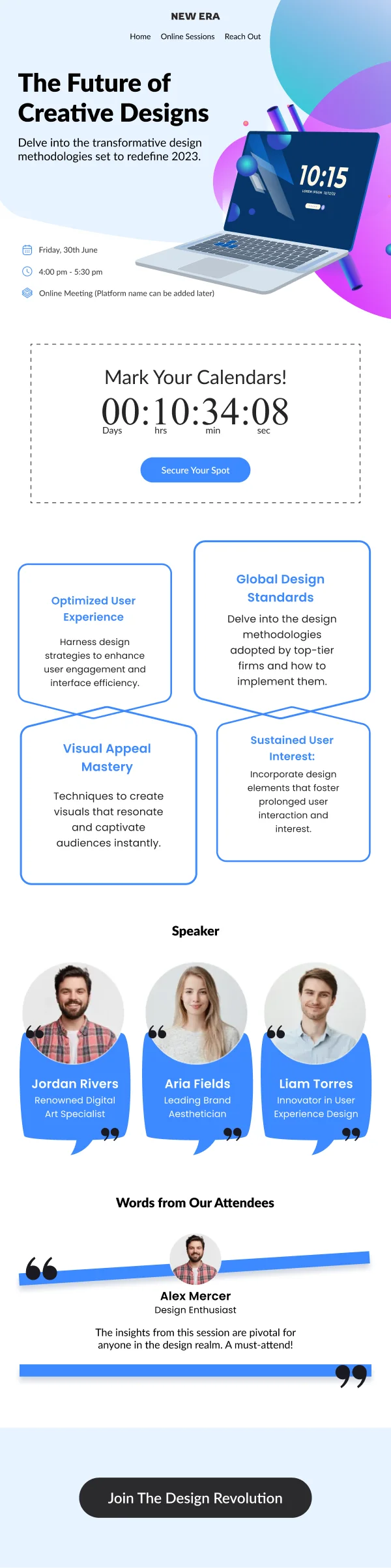
SaaS-Future Of Creative — Webinar email design preview

Future of Creative Design SaaS Figma Email Template

This template offers a dynamic countdown feature, perfect for design and tech industries. Create urgency and excitement for upcoming webinars or product launches.

  • Webinar
  • Software & Digital Services
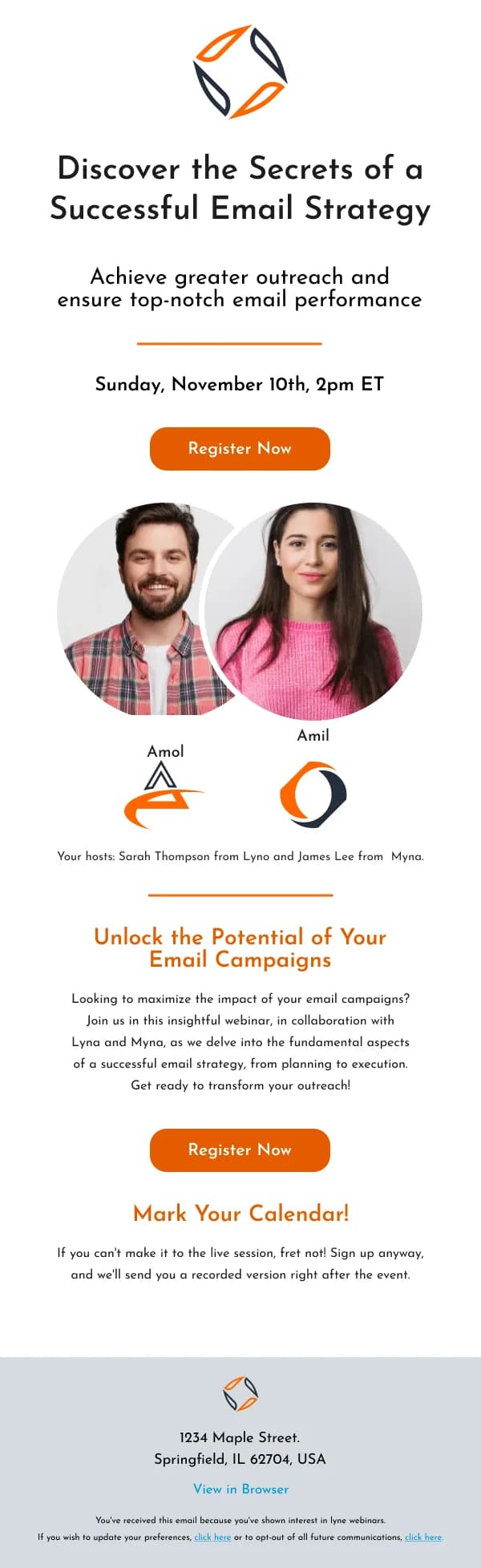
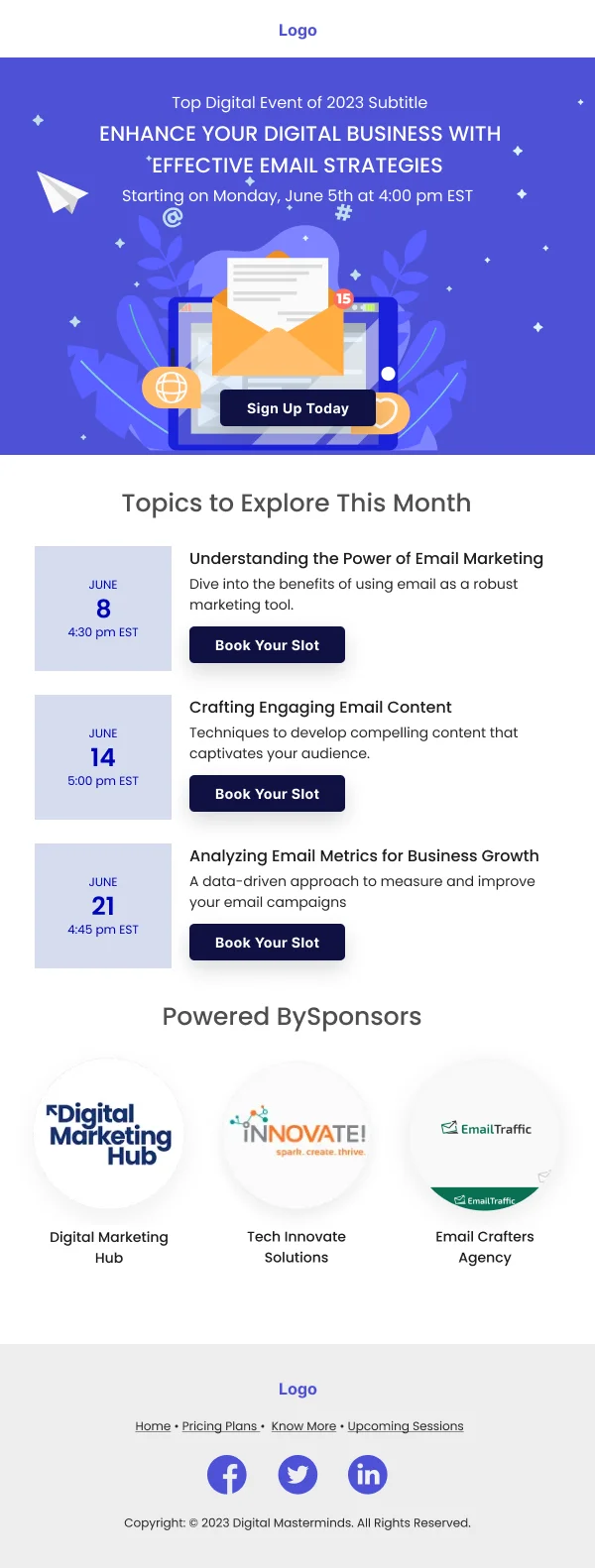
SaaS-Effective Email Strategies — Webinar email design preview

Effective Email Strategies SaaS Figma Email Template

The vibrant colors and structured layout are ideal for digital marketing events. Offer clear session details and easy navigation for professionals enhancing their strategies.

  • Webinar
  • Software & Digital Services
SaaS-Digital Technology Impact — Webinar email design preview

Digital Technology Impact SaaS Figma Email Template

The professional design with a clear call-to-action is perfect for corporate webinars. Clean imagery and concise content attract professionals interested in digital transformation.

  • Webinar
  • Software & Digital Services
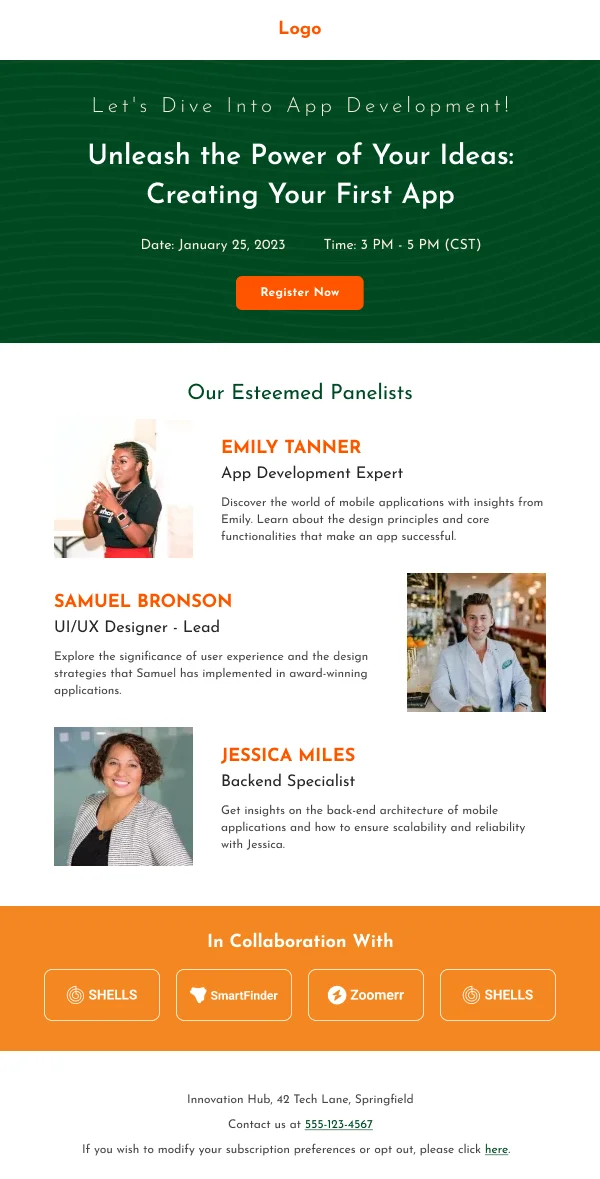
SaaS-App Development Learning — Webinar email design preview

App Development Learning SaaS Figma Email Template

This sleek, tech-themed template with a focused agenda on app development is ideal for tech startups or educational platforms. Engaging visuals and speaker highlights captivate potential app developers.

  • Webinar
  • Software & Digital Services

Showing 114 of 14 templates

A webinar sequence has a specific failure mode: strong registration, weak attendance. Registration is cheap for the reader, so the email set has to do more work after signup than before it.

The 14 designs in this collection are weighted accordingly.

The set

Invitation. What it covers, what the attendee leaves with, who is speaking, date, start time, duration, time zone, and register.

Confirmation. The detail again, the joining link prominently, and an add-to-calendar link. This email will be returned to.

Day-before reminder. Time, time zone, joining link. Short.

Hour-before reminder. The single highest-value send in the sequence. One line, the time, the link. Nothing else.

Follow-up. Thanks, the recording, materials, next steps.

Time zones are not optional

An online event has an international audience by default. Every mention of the time should carry a zone, and where the audience is genuinely global, two or three converted times help more than a single one with an abbreviation.

This is the most common practical failure in webinar email and it directly costs attendance.

Duration changes the decision

"45 minutes including questions" answers the question a prospective attendee is actually asking. An event with no stated duration is an open-ended commitment, and readers decline open-ended commitments.

Design the joining link as an object

In the confirmation and both reminders, the joining route should be the most prominent interactive element — a real button, not a link in a paragraph. The common failure is a confirmation where the link sits in body copy below a promotional block, which is where it gets lost.

The replay send

Recordings recover more value than most programmes expect, and the send is simple: the recording link, a one-line summary of what was covered, and the materials. Sent within a day or two, while the topic is still live.

Adding a timestamped list of sections raises watch-through meaningfully and costs very little.

Using these templates

The joining link is a real button in the confirmation and both reminders, which is where most webinar sequences lose attendance. Checks: does every time mention include a zone, is duration stated, is the joining link a prominent button in the confirmation and reminders, and does the hour-before reminder contain essentially nothing else.
Common questions

Why do registered attendees not show up?
Because attending an online event is a decision made on the day, not at registration. Nothing is sunk — no travel, no ticket. That is why the hour-ahead reminder does more for attendance than any improvement to the invitation.
What is the single most important element?
The joining link, in the confirmation and in every reminder. Attendees should never have to search an old email for it.
Should the recording be sent to people who did not attend?
Yes, and to those who did. Non-attendees registered because they were interested, and the replay recovers a meaningful share of them. Send both groups the same link with slightly different copy.